 Google Calendar Scroll Lock
Stop Google Calendar from jumping when you scroll
Accidental scrolling disrupts your workflow. Google Calendar Scroll Lock prevents unintended scroll actions so your calendar stays exactly where you expect it.
Free • Lightweight • No account required
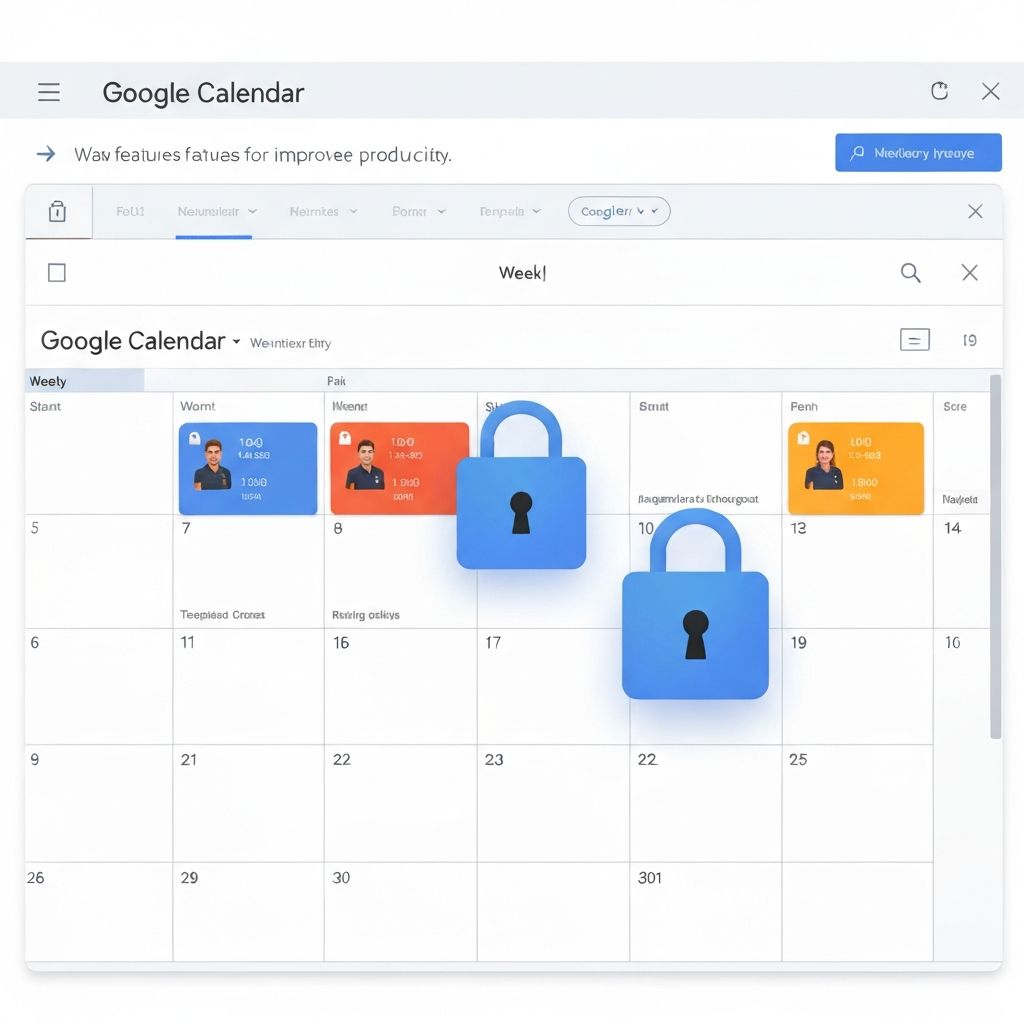
The Problem
One accidental scroll can send you to a completely different week, disrupting your planning flow
Unexpected Date Jumps
Your calendar suddenly jumps to a different day, week, or month when you didn't mean to scroll
Lost Context
Lose your place while scheduling meetings or reviewing your week's events
Workflow Disruption
Constant frustration and time wasted navigating back to where you were
Key Features
Simple, effective, and automatic protection for your Google Calendar
Block Accidental Scrolling
Prevents unintended scroll actions in Google Calendar so you stay on the date you're viewing
Prevent Date Jumps
No more unintentional jumps to other days, weeks, or months while planning your schedule
Lightweight & Automatic
Works automatically in the background with zero configuration or performance impact
Only Affects Google Calendar
Normal scrolling behavior remains untouched everywhere else — only activates in Google Calendar
Reduce Daily Frustration
Stay focused on scheduling and planning without workflow interruptions
Privacy First
No data collection, no tracking. Works entirely on your device
How It Works
Three simple steps to a better Google Calendar experience
Install Extension
Add Google Calendar Scroll Lock to Chrome with one click
Open Google Calendar
Navigate to your Google Calendar as you normally would
Enjoy Stability
Your calendar stays put — no more accidental jumps
Keep Your Calendar Steady
Join thousands of users who've eliminated accidental scrolling frustration from their daily workflow
Add to Chrome — Free ForeverNo sign-up required • Works immediately • Always free